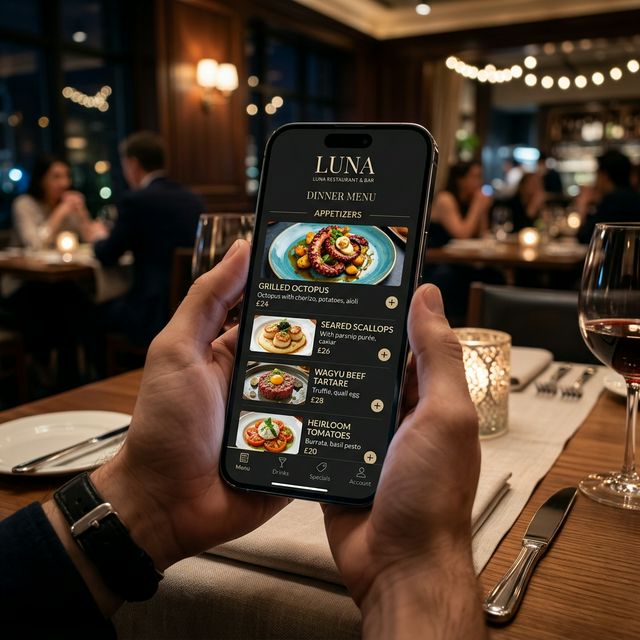
The Era of Digital Dining
Gone are the days when a restaurant menu was a fixed piece of paper. Today, efficiency and safety are paramount. A QR code menu is the ultimate tool for the modern restaurateur.
Phase 1: Selecting the Right Platform
Not all QR menu tools are created equal. You need a platform that offers speed, reliability, and most importantly, an intuitive interface for your guests. Our qr menu generator provides all these with a focus on mobile-first design.
Phase 2: Inputting Your Culinary Masterpieces
Start by categorizing your menu. Keep it simple: Appetizers, Mains, Sides, and Drinks. Use descriptive language that tantalizes the taste buds. Instead of 'Tomato Soup', try 'Vine-Ripened Tomato Soup with Basil Crema'.
"Your menu is the silent salesperson of your restaurant. Make sure it speaks with confidence and style."
Phase 3: Generating and Testing Your QR Codes
Once your menu is live, generate your unique QR codes. Before printing them on expensive table tents, test them with multiple devices (both iOS and Android) to ensure accessibility for every guest.
Phase 4: Optimization
The beauty of a digital menu is that it is never finished. Use the data from your scans to see which items are trending and adjust your menu layout accordingly to maximize profit using our menu maker online.
Start creating your menu now using our free menu maker online.